Stroke Tab
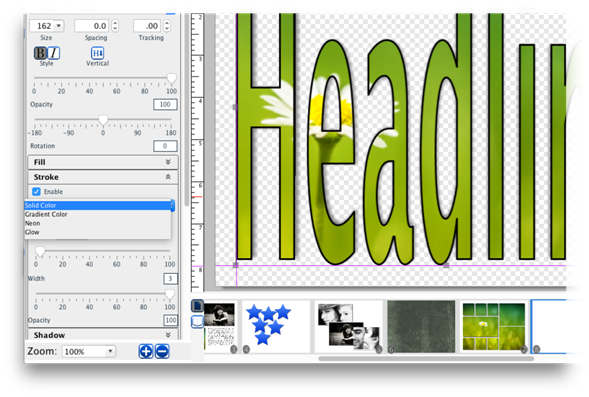
A stroke is a colored border around the headline.
·
Toggle the Enable check box to apply or clear the stroke.
·
Select an option from the Stroke Style drop-down.
- Solid
Color – Click on the Change Color square to select a color for the stroke.
- Gradient
Color - Click on the Gradient Color square to change the gradient
settings.
- Neon – Click
on the Edge Color icon to change the color of the outside of the glow.
Click on the Center Color icon to change the color of the middle.
- Glow – Click
on the Glow Color icon to change the color of the glow effect.
·
Drag the Stroke Width slider to increase or decrease the
thickness of the stroke.
·
Drag the Stroke Opacity slider to increase or decrease the
transparency of the stroke.
Related Topics
Headlines
Copyright (c) 2004-2008 Macrobject Software, All Rights Reserved.
You can change this copyright message in the "Template Settings" dialog.