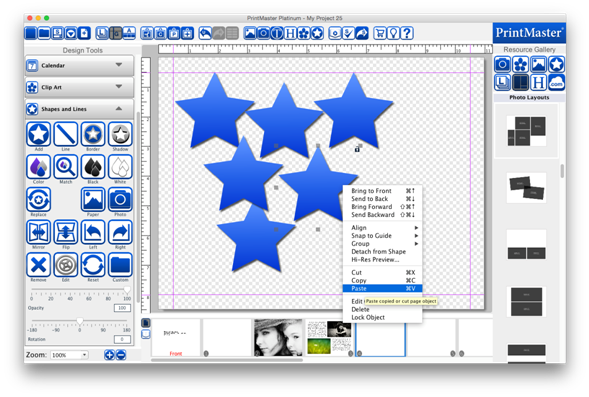
1.
After cutting or copying an object, select the page where
the object(s) should be pasted.
2.
Go to the Edit menu > Paste. (or select the Paste icon)
3.
To paste objects without an offset, go to the Edit menu >
Paste in Place.
1.
Select the object by clicking on it.
2.
Do one of the following:
·
Press the Delete key on your keyboard.
·
Go to the Edit menu > Delete.
·
Right-click the object and choose Delete.
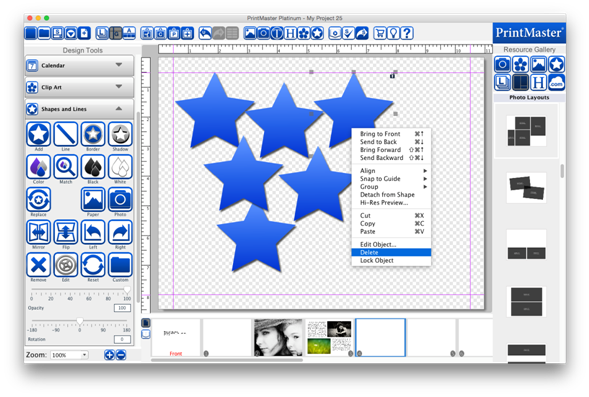
Each
object is on its own layer. Layer order determines which objects display on top
of other objects.
·
The most recently added object will have a higher layer
order and display on top.
·
All objects will display on top of the background image.
Related Topics