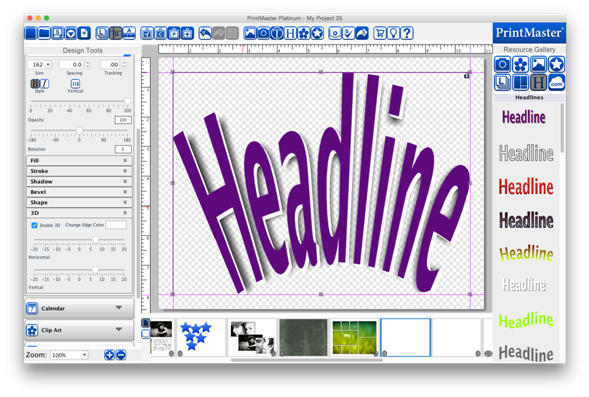
The 3D effects give the headline the appearance of thickness
or depth.
·
Toggle the Enable check box to apply or clear the 3D settings.
·
Click on the Change Edge Color button to choose the effect’s
color.
·
Drag the Horiz-Adj and Vert-Adj sliders to determine the
amount of the 3D effect. Horiz-Adj will increase or decrease the horizontal
thickness of the 3D edge. Vert-Adj will increase or decrease the vertical
thickness of the 3D edge.
Related Topics